
Add audio descriptions to your MediaSpace videos
In addition to captions, audio descriptions are a required component of accessible video content. When visual information is necessary to understand the content, videos must include audio descriptions in order to be considered accessible. MediaSpace has built-in support for audio descriptions, and you can use the Caption Editor to add them to your videos.

Grackle Slides for accessible Google Slides
Grackle Slides is a Google extension that scans sheets for common accessibility issues and suggests fixes right in your Google Slides. Use Grackle to evaluate your slides and cross-check your accessibility practices.
Grackle Docs for accessible Google Docs
Grackle Docs is a Google extension that scans docs for common accessibility issues and suggests fixes right in your Google Doc. Use Grackle to evaluate your documents and cross-check your accessibility practices.
Grackle Sheets for accessible Google Sheets
Grackle Sheets is a Google extension that scans sheets for common accessibility issues and suggests fixes right in your Google Sheet. Use Grackle to evaluate your sheets and cross-check your accessibility practices.
Getting started with Grackle for Google Workspace accessibility
Grackle is a Google Workspace add-on that can be used to check and improve the accessibility of Google Docs, Google Slides, and Google Sheets. Grackle is available for all PSU Google users.

Accessible images and alt text for course materials
Learn how to write effective alt text and make images accessible for all students in Canvas, Google Workspace, and Microsoft Office.
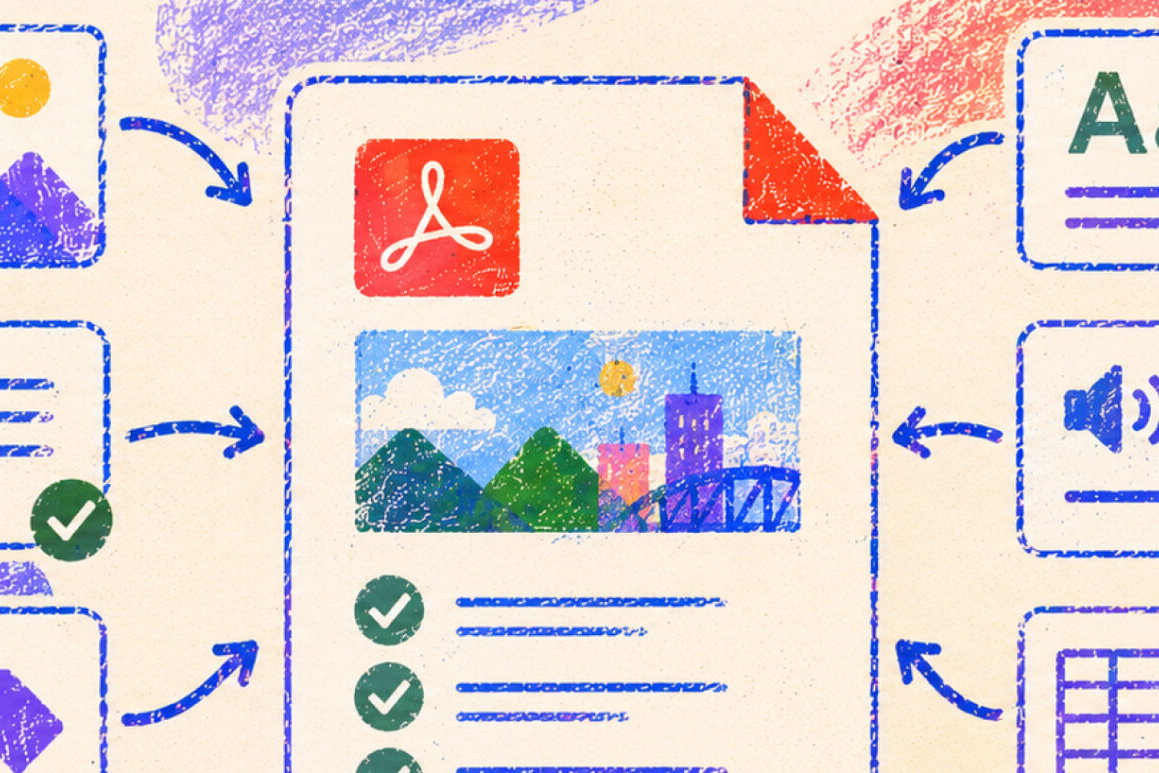
How to improve PDF accessibility
Learn best practices for reducing PDF usage, structuring documents, using accessibility checkers, applying optical character recognition (OCR), and utilizing PDF editing tools.

Getting started with Panorama at PSU
Get familiar with Panorama in Canvas, including where it appears, what materials it can review, and how to start fixing common accessibility issues.
Understanding your Panorama scores and course report
Use your Panorama course report to understand accessibility issues across your course and decide where to focus first when improving course materials.

How to make accessible Canvas courses
A practical guide to creating more accessible Canvas courses, with recommendations for course organization, page design, navigation, and other practices that improve access for all students.